Ariba Supplier Manual
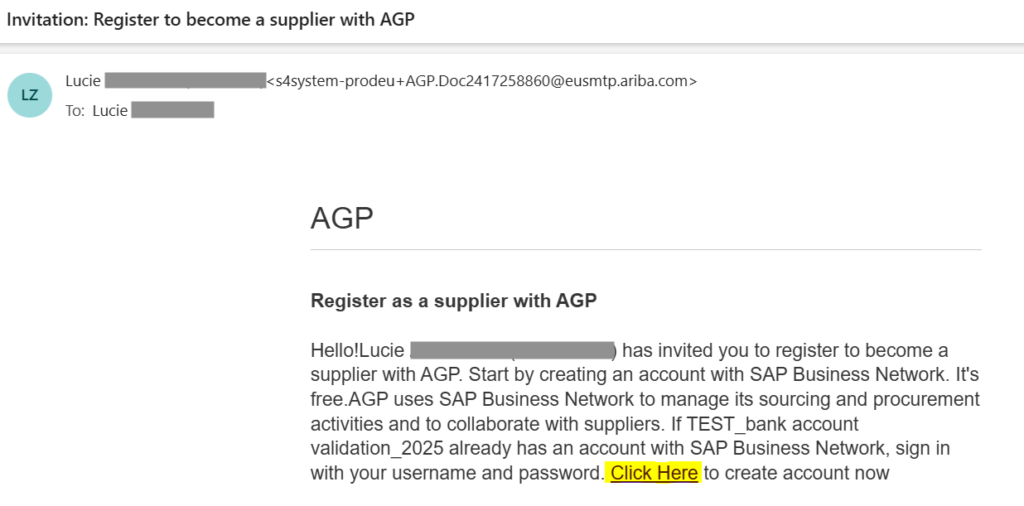
The first email will come from someone from Asahi team who created the Supplier request in Ariba.

Click on the highlighted link and create Username & password.
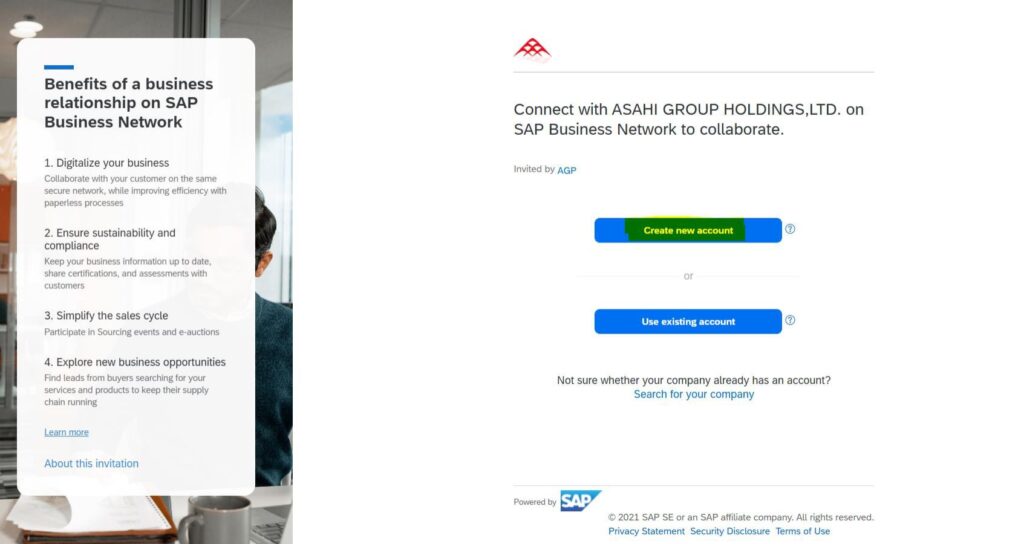
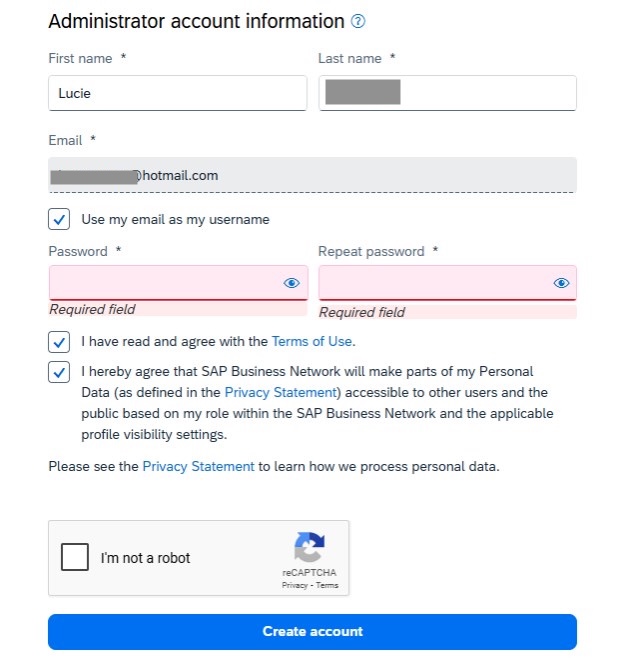
Click on Create new account.
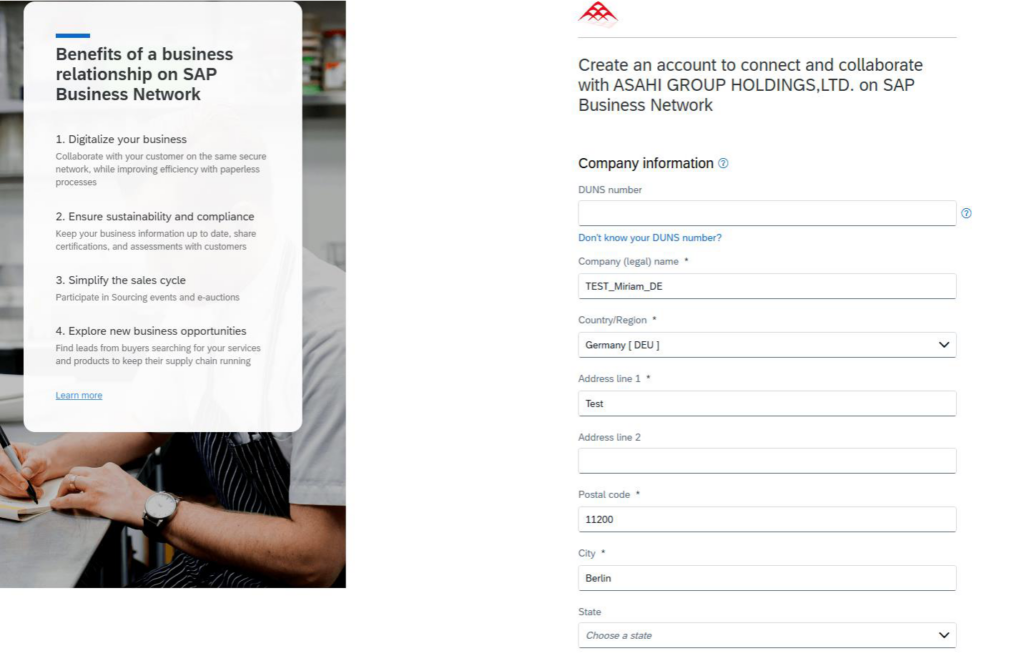
Fill in/verify all mandatory fields with *
And choose your username and password for logging into Ariba. After click on Create account.
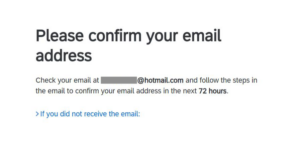
After submitting you should see the below window. Please check your email inbox.
The second email will come from Ariba Commerce Cloud:

Click to confirm the email address:
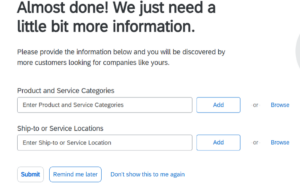
After confirming the email address you will receive Welcome email.
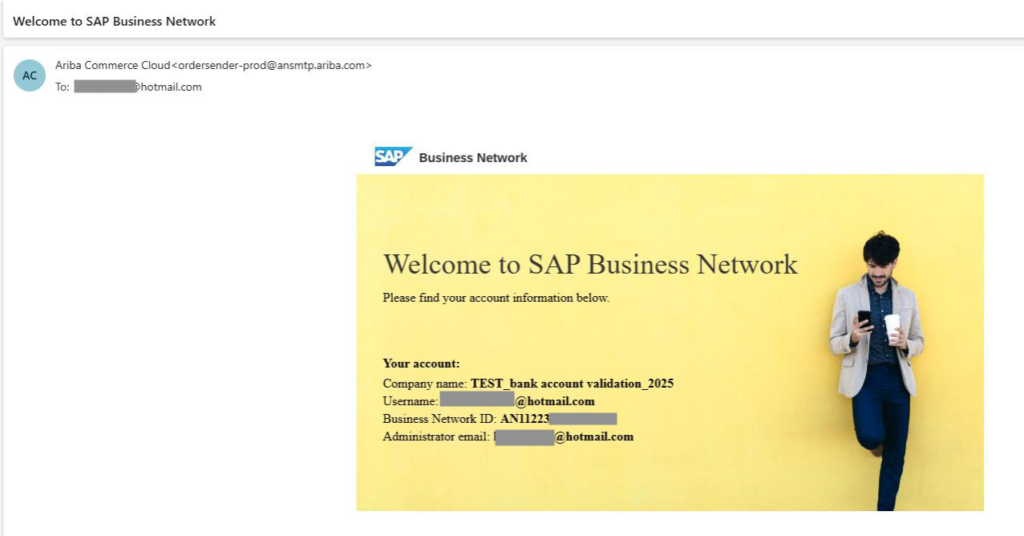
Use the below link to log into Ariba:
https://service.ariba.com/Sourcing.aw/109521003/aw?awh=r&awssk=GKB82Q7t&dard=1
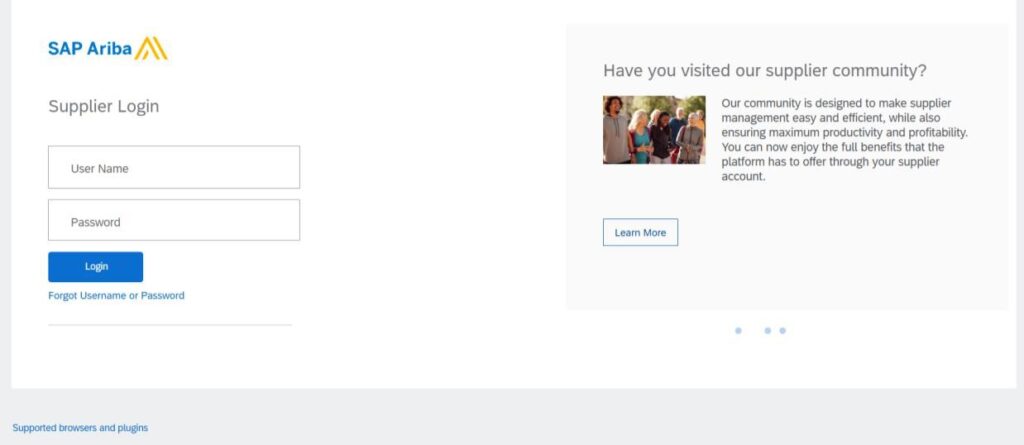
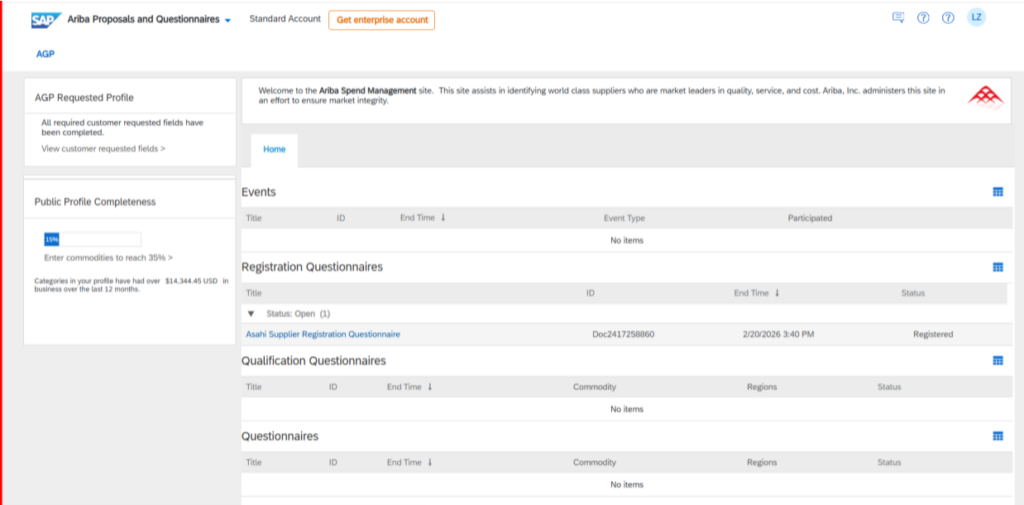
Click on Asahi Supplier Registration Questionnaire:
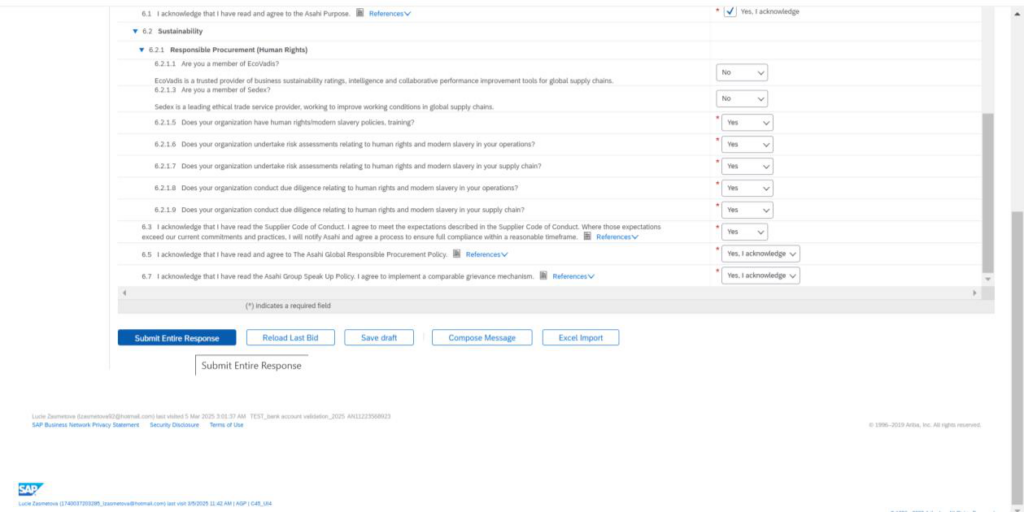
Populate all mandatory fields with *.

Once completed click on Submit Entire Response
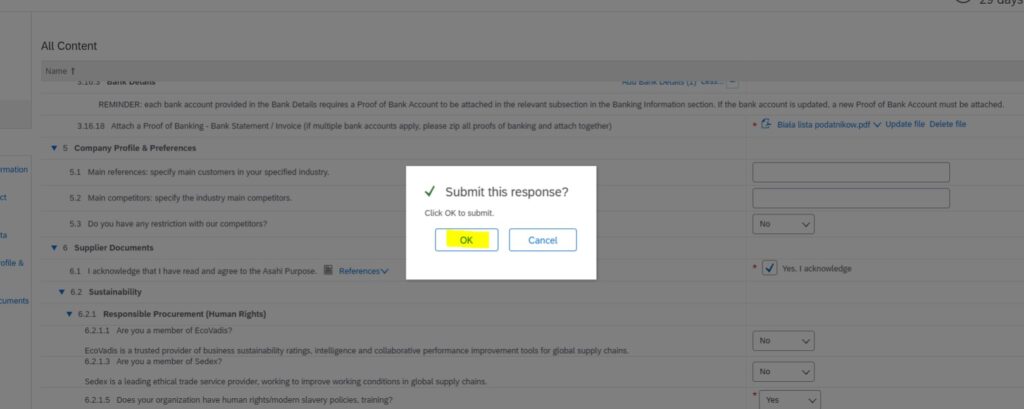
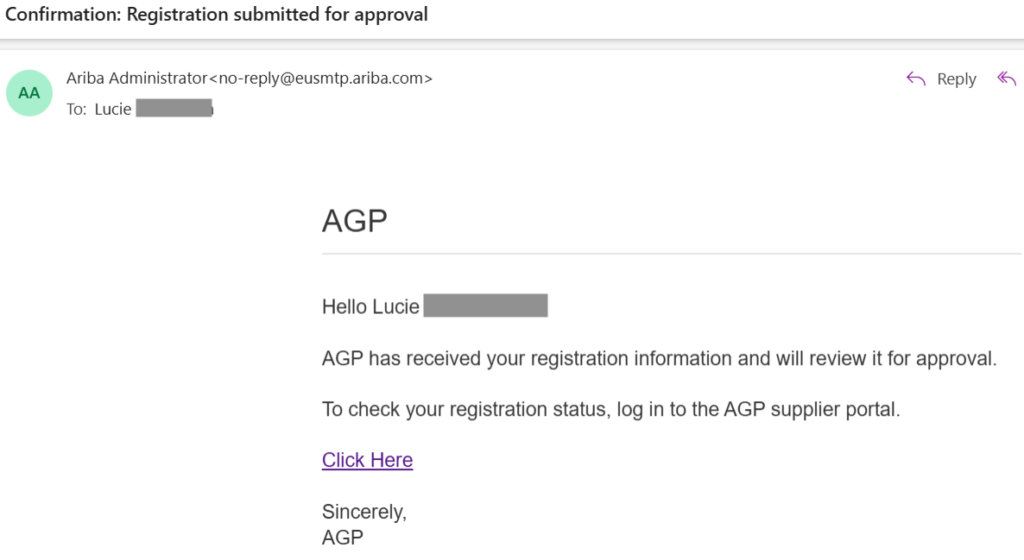
Once your response is submitted you will receive a confirmation email that your response was sent for Asahi approval.
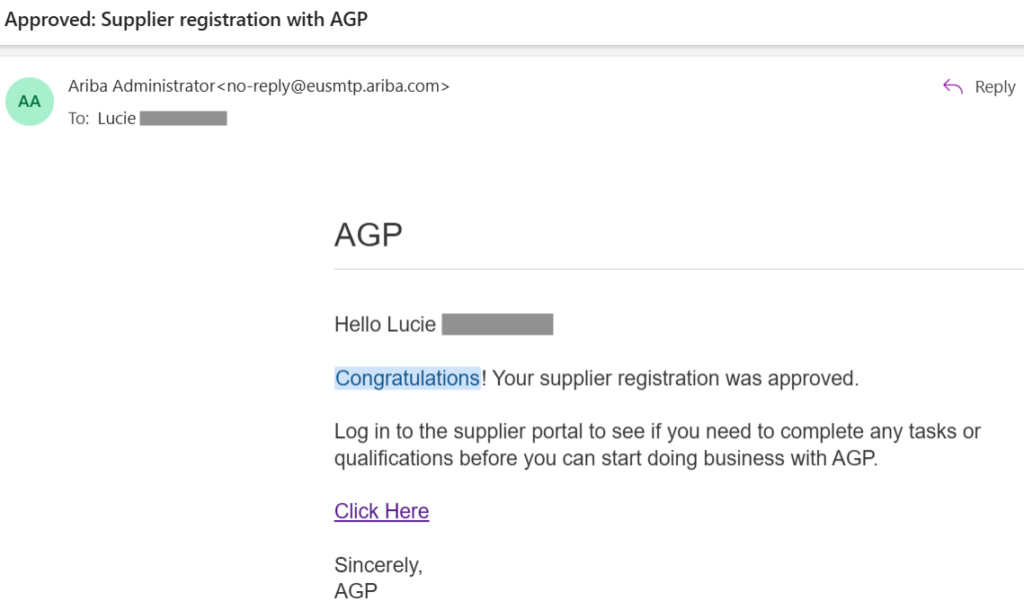
After your response is reviewed and approved you will receive a Congratulations email.